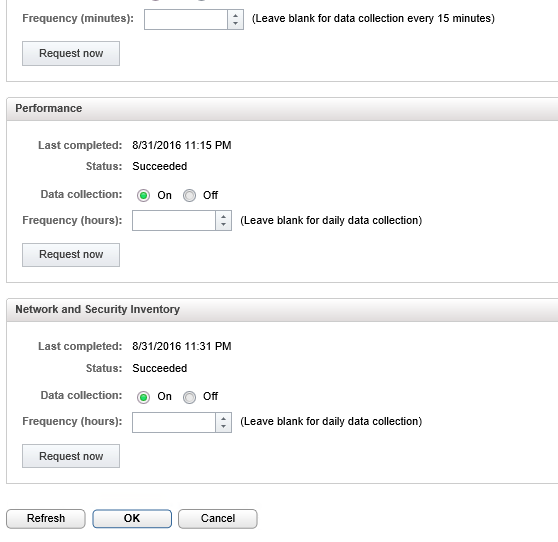
I recently introduced NSX 6.2 in my vRealize Automation 6.2 setup and updated the (vSphere) vCenter Server Endpoint with network and security platform information.


I found below error in "Infrastructure>Monitoring>Log

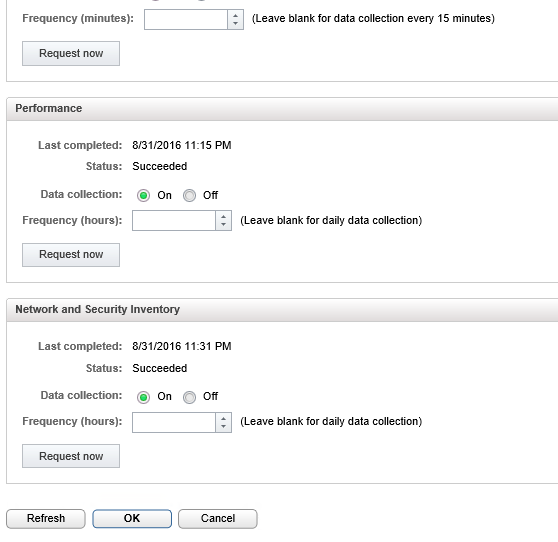

When I ran the data collection after updating the Endpoint, the data collection for Network and Security Inventory kept on failing.

I found below error in "Infrastructure>Monitoring>Log
Workflow
'vSphereVCNSInventory' failed with the following exception: Error executing
vCenter Orchestrator workflow:
org.springframework.web.client.RestClientException: 403 Forbidden
(Workflow:Create NSX endpoint / Scriptable task (item1)#10).
This error message is common when wrong credentials are used for NSX, after correcting the credentials the data collection was still failing but with a new error message
Workflow
'vSphereVCNSInventory' failed with the following exception: vCenter
Orchestrator returned an error: browseInventory().
I logged into my Orchestrator client and checked inventory and found error for NSX plugin.

Resolution:
Default plugin was causing error for me, I uninstalled the default NSX plugin and installed the latest plugin.
Steps to uninstall vCO plugin
1. Login to vCO and navigate to "/usr/lib/vco/app-server/plugins"
2. Locate the plugin "o11nplugin-nsx.dar" and manually remove it
rm o11nplugin-nsx.dar
3. Delete the Package from Packages tab called "com.vmware.nsx"
4. Delete the NSX empty folder if any under Library>NSX
5. Restart the vco-server and vco-configurator service
service vco-server restart
service vco-configurator restart
6. Now import the new plugin and restart service
Now the Data collection was successfully and it ran "create NSX endpoint" workflow successfully under "vCO>NSX>Configuration"